Diagnose stuck layers
See whether Auto Layout, locks, hidden layers, constraints, or component instances are blocking the edit.
Vibe UI Assistant diagnoses why an element will not move, frees it from layout walls, then lets you move, align, scale, and edit it without fighting Auto Layout.
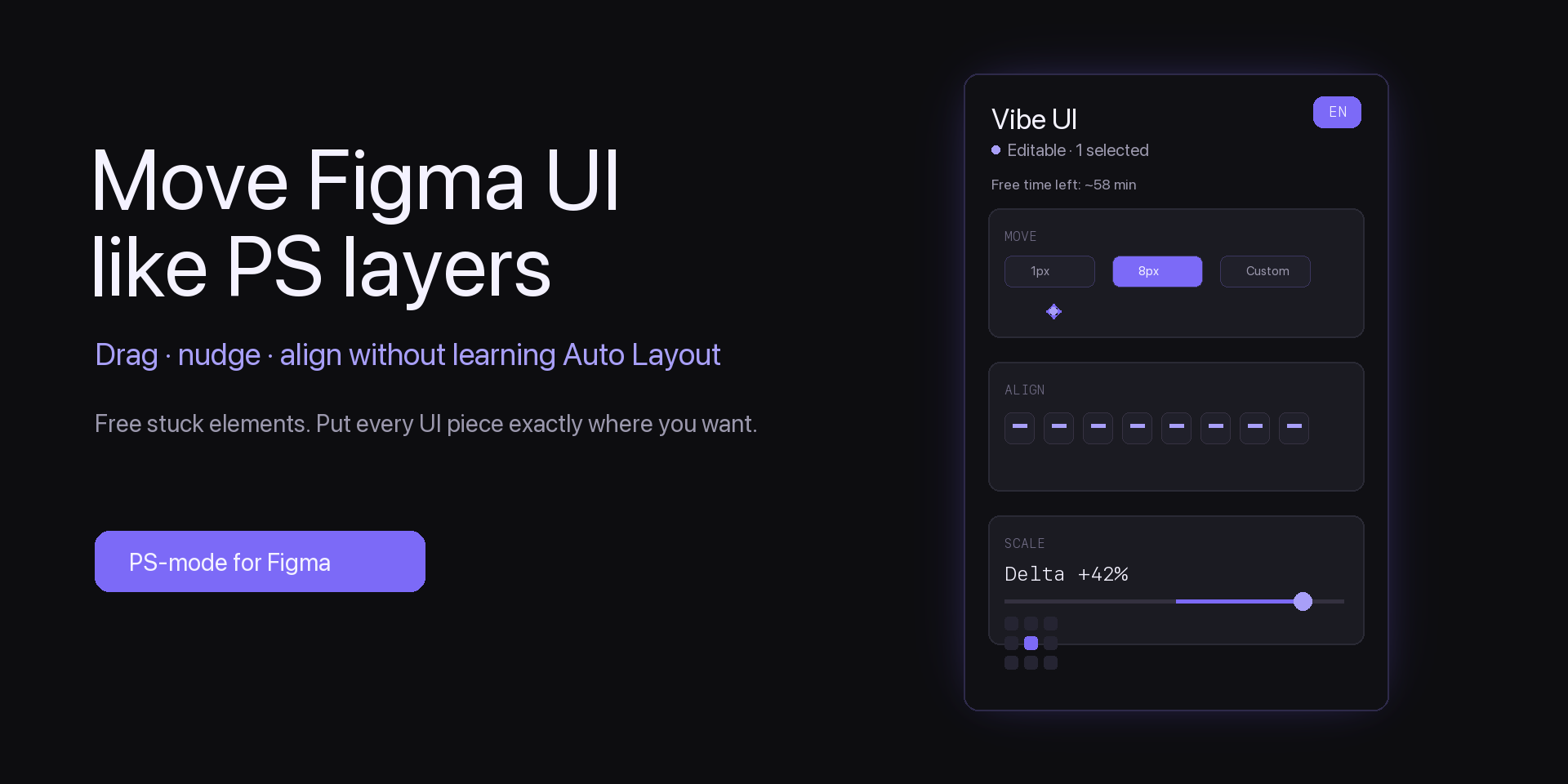
See whether Auto Layout, locks, hidden layers, constraints, or component instances are blocking the edit.
Apply focused fixes that make selected elements editable while keeping the surrounding design understandable.
Move, align, scale, edit text, delete, restore, and run a quick layout health check from one compact panel.
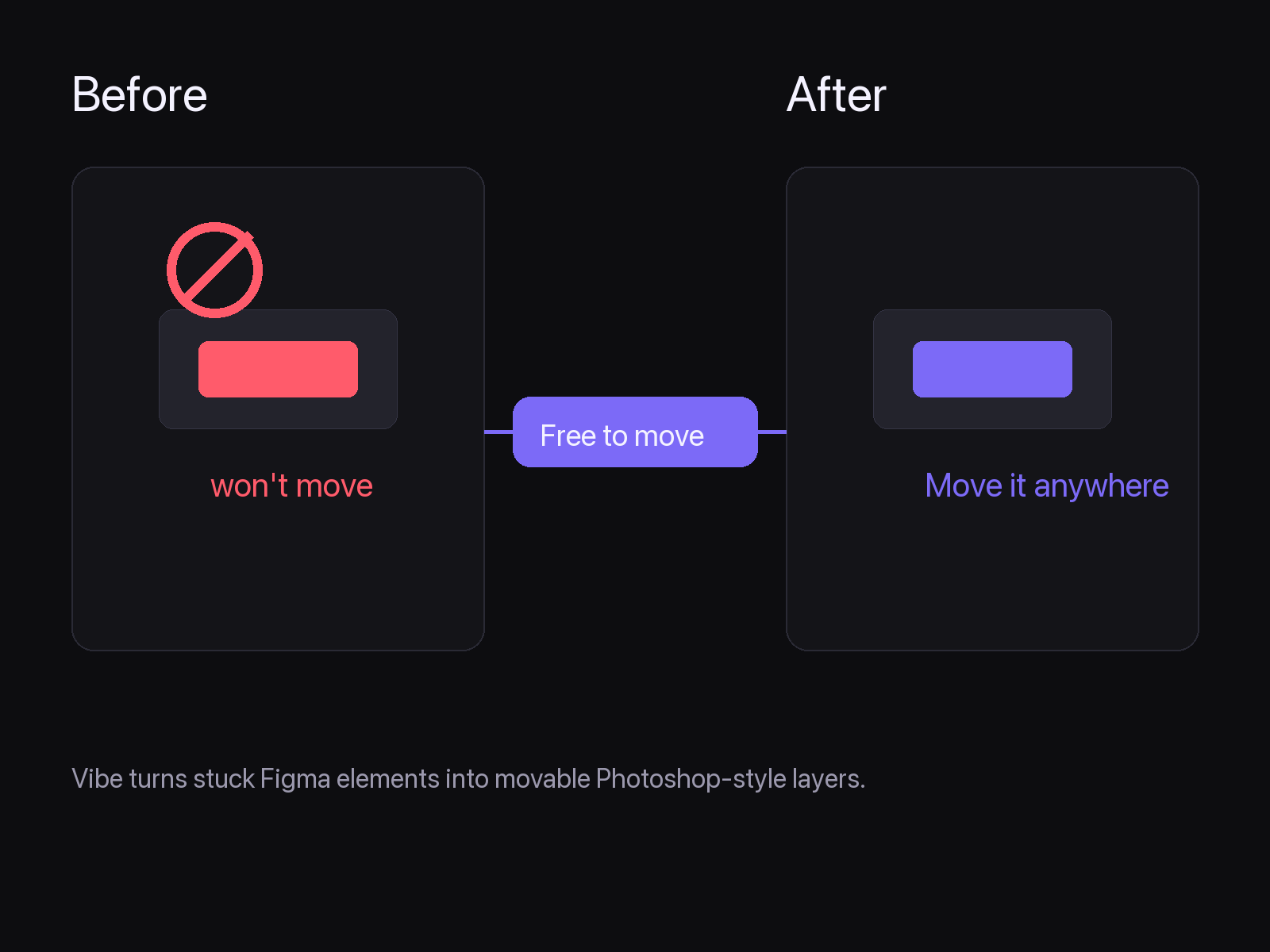
Use PSD2Figma to bring a layered design into Figma. When spacing, buttons, text, or cards need another pass, Vibe UI lets you move and tune the UI directly, without bouncing back to Photoshop and re-importing the PSD.
More PSD2Figma tools are being linked as a creator toolkit so users can move from import to cleanup, layout, export, and handoff without searching from scratch.
$0
Use Vibe UI Assistant for one hour per day. Good for quick fixes and evaluating the workflow.
$6/month
Unlimited daily use with the same plugin workflow and license key activation inside Figma.
Email vibeui@psd2figma.cloud for billing, activation, cancellation, refunds, or license recovery.